G
GeminiMcpServer
@bowwowxx/GeminiMcpServer
0 Stars
155 次浏览
bowwowxx
更新于 2026-08-23
MCP 服务配置
复制以下 JSON 到 OPClaw 或其他 MCP 客户端的配置文件中即可使用
{
  "mcpServers": {
    "GeminiMcpServer": {
      "args": [
        "run",
        "start"
      ],
      "command": "npm",
      "cwd": "/Users/bowwow/github/GeminiMcpServer"
    }
  }
}
服务介绍
GeminiMcpServer
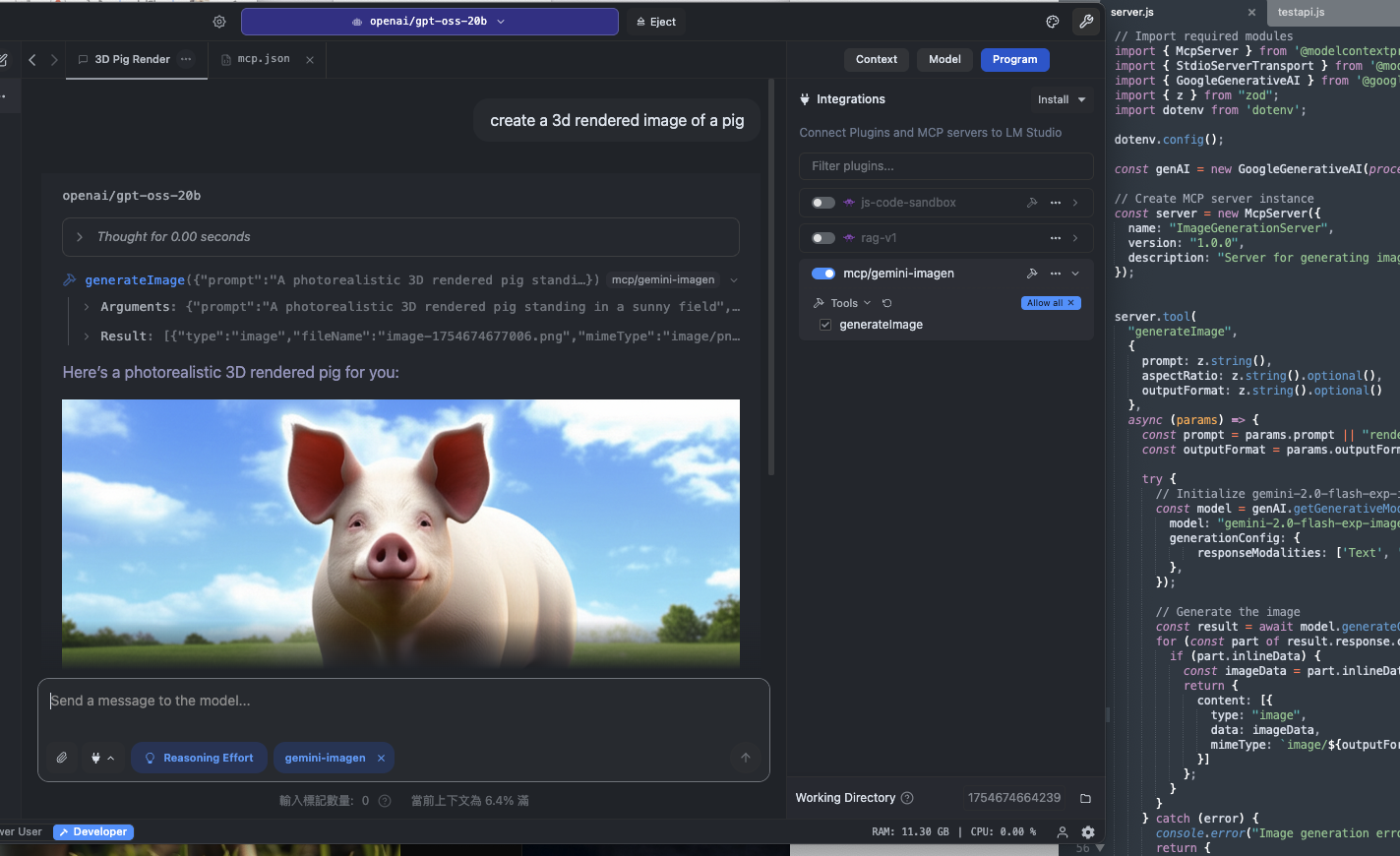
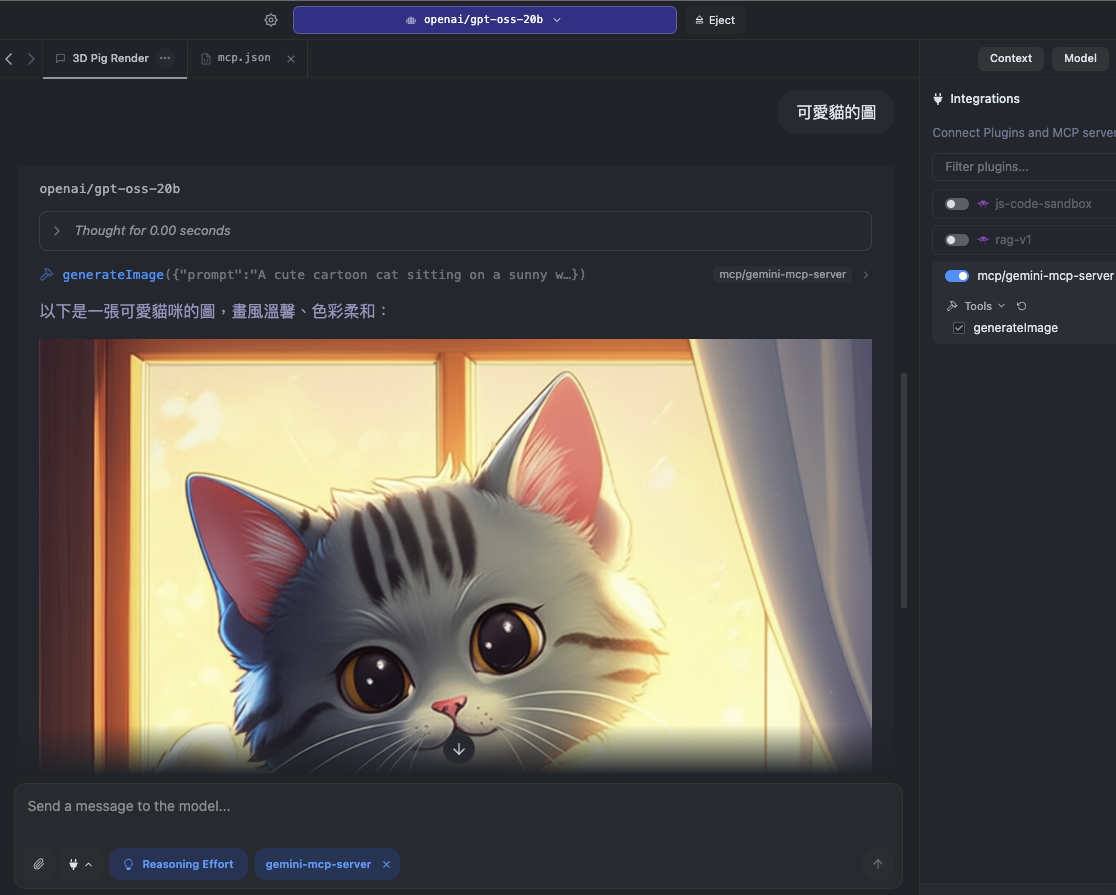
GeminiMcpServer 是一個 Model Context Protocol (MCP) 伺服器可將 LM Studio或其他支援 MCP 的客戶端與 Google Gemini API 無縫連接用於影像生成與多模態任務處理
功能特色
- 完整 MCP 支援 與 LM Studio 等 MCP 客戶端即時整合
- 影像生成 使用 Google Gemini 2 模型產生圖片
- 多模態輸入 選用同時處理文字與圖片輸入
- 本地與雲端混合流程 本地執行 LM Studio同時利用 Gemini API 提供的雲端運算能力
系統需求
- Node.js v20
- Google Gemini API Key可於 Google AI Studio 申請
- MCP 相容客戶端如 LM Studio
安裝與設定
git clone git@github.com:bowwowxx/GeminiMcpServer.git
cd GeminiMcpServer
npm install
建立 Google API Key
- 前往 Google AI Studio
- 建立新的 API 金鑰
設定環境變數
在專案根目錄建立 .env 檔並加入
GEMINI_API_KEY="your_api_key_here"
使用方式
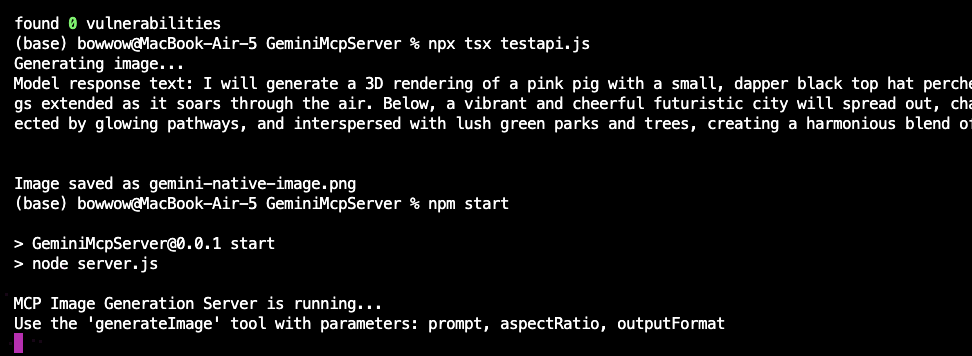
啟動伺服器
npm start
執行測試
npx tsx testapi.js
此測試會使用 Gemini 2 的實驗性影像生成 API 建立圖片
MCP 請求範例
{
  "tool": "generateImage",
  "params": {
    "prompt": "A photorealistic 3D rendered pig standing in a sunny field",
    "outputFormat": "png",
    "aspectRatio": "16:9"
  }
}
LM Studio設定範例
{
  "mcpServers": {
    "GeminiMcpServer": {
      "command": "npm",
      "args": [
        "run",
        "start"
      ],
      "cwd": "/Users/bowwow/github/GeminiMcpServer"
    }
  }
}